External Calendars
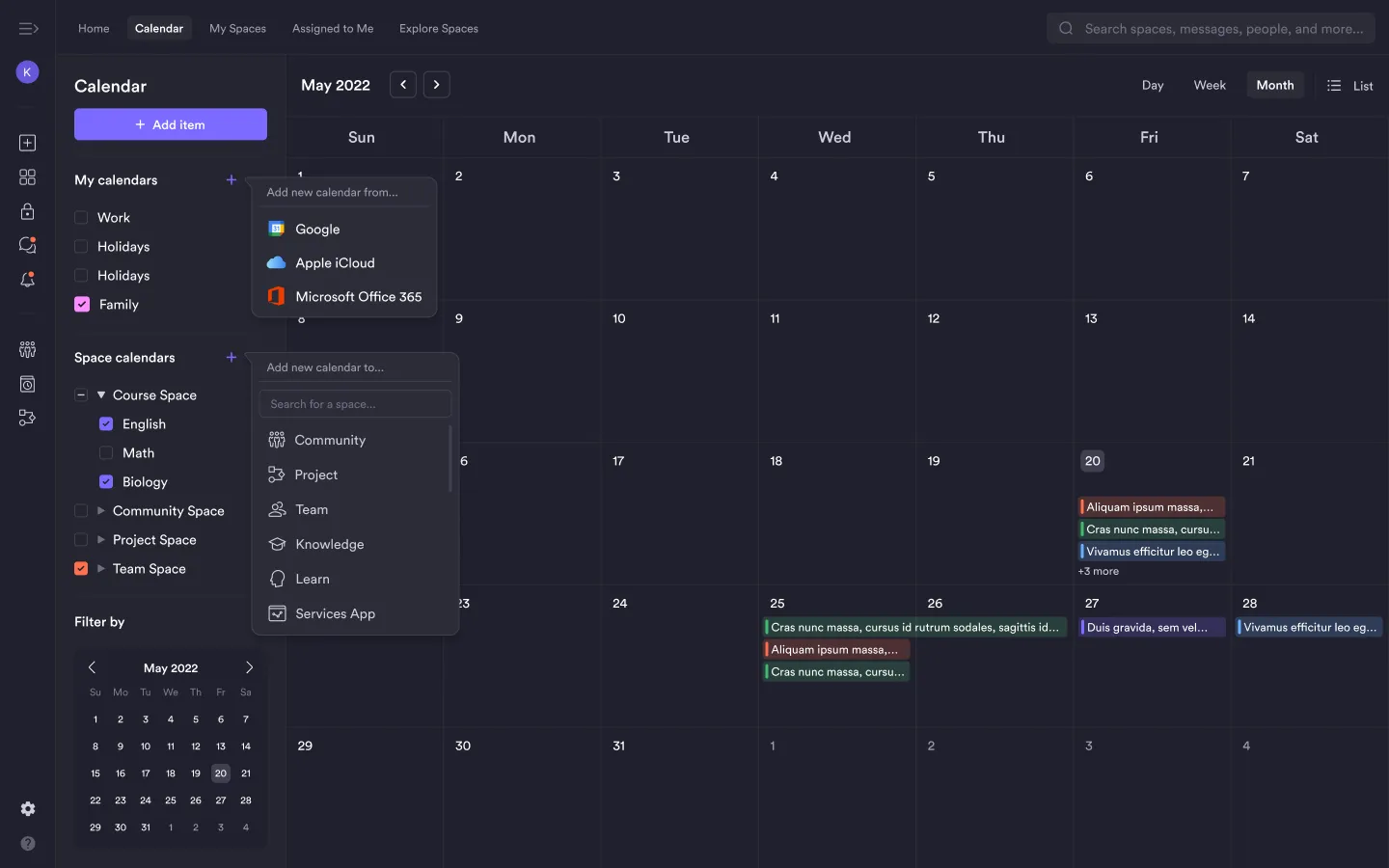
Connect Google, Apple iCloud, and Microsoft Outlook calendars to view events inside Pivot.
The calendar block allows you to display events from external calendar services directly inside Pivot. This helps you view personal schedules alongside space events without switching platforms.
You can connect calendars from supported providers and manage them from the calendar sidebar.
Supported Calendar Integrations
You can connect calendars from the following services:
- Google Calendar
- Apple iCloud Calendar
- Microsoft Outlook / Office 365 Calendar
Once connected, events from these calendars appear in the Pivot calendar view.
Enabling or Disabling Calendars
Each connected calendar can be toggled on or off.
To control visibility, located the calendar under the My calendars section. Then, check or uncheck the box next to the calendar name.
When disabled, events from that calendar will not appear in the calendar view.
Was this guide helpful?